The publisher's server did not answer. This is usually temporary, or your network blocks it.

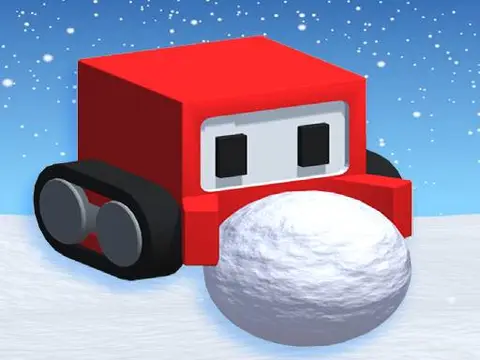





Report Torque Trail
What is wrong with this game?
Are you the copyright owner? Send a takedown notice and we respond within 24 hours.
How to Play Torque Trail
- 1. Choose Your CourseStart with the first of twenty physics-based driving challenges available in the game.
- 2. Balance Your TruckKeep your oversized wheels on the ground as you navigate bridges and steep ramps.
- 3. Reach the FinishCross the end line without flipping your vehicle to complete the level.
To play on a desktop computer, hold the Right Arrow or D key to drive your vehicle forward, and use the Left Arrow or A key to reverse and help balance your truck on tricky paths. On mobile devices, hold down on the right half of your screen to drive forward or touch and hold the left half to reverse. If your monster truck happens to flip over, you can tap the restart button to try the course again from the beginning. You can also open the settings menu to adjust audio and visual effects to your preference.
This title is marked as mobile ready by the publisher, allowing you to play directly from a smartphone or tablet using touch controls. On mobile, you simply tap and hold the sides of the screen instead of using a keyboard. The game runs straight in your web browser without requiring any downloads, making it accessible on both desktop computers and mobile devices whenever you want to play a quick driving challenge.
About Torque Trail
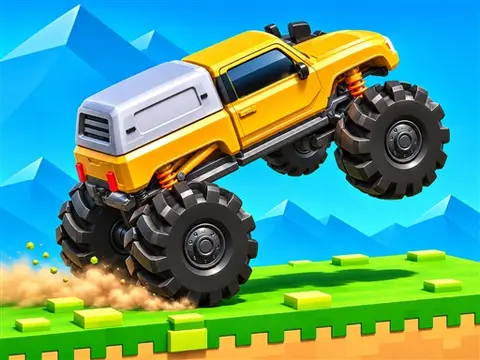
Torque Trail is a 3D driving game developed by Mentolatux and hosted on the GameMonetize platform. In this browser game, players take control of a powerful monster truck equipped with oversized wheels and engine sounds. Your main task is to guide the vehicle across twenty different physics-based tracks filled with obstacles, bridges, and steep ramps. The core gameplay revolves around careful throttle control, timing, and balance to ensure your truck does not flip over while you make your way toward the finish line.
The game features colorful 3D tracks that test your driving skills across various obstacles. Players can experience realistic vehicle physics that require careful management of forward and reverse movements to stay upright on narrow paths. Additionally, the game includes customizable vehicle effects and audio settings so you can tailor your experience. The straightforward control scheme makes it easy to jump right in, while the individual courses offer a steady test of your ability to manage momentum and balance over uneven terrain.
This browser game suits players who enjoy physics-based driving challenges and vehicle balancing tasks without needing complex controls. While the listing explains the core mechanics and twenty levels, it does not mention specific player scores, unlockable vehicle upgrades beyond effects, or story modes. You can expect a straightforward browser experience focused entirely on driving a monster truck across bumpy tracks and managing your throttle to avoid crashing or flipping your vehicle on the course.
Torque Trail is listed on GameMonetize under 3D and Racing, with the tags 3D, Balance, Car, Driving, Mentolatux, Obstacle. The publisher marks it as mobile ready, so it can also be played in a phone or tablet browser. Torque Trail is free to play, needs no account and does not ask you to download anything.
Tips and Tricks
Watch Your Throttle
Because the game uses physics-based driving mechanics, slamming down on the drive key can cause your monster truck to flip backward. Apply gentle taps to your forward and reverse controls to maintain a steady speed, especially when climbing steep ramps or crossing narrow bridges.
Balance on Ramps
When your vehicle tilts too far forward or backward while navigating obstacles, use the reverse or forward keys to shift your center of gravity. Keeping your oversized wheels aligned with the slope of the track helps prevent disastrous flips before you reach the finish line.
Learn the Course Layout
Since every level presents different obstacles and terrain challenges, take a moment to look ahead at the upcoming bridge or ramp before speeding up. Knowing what kind of terrain is coming helps you time your acceleration properly and keeps your vehicle upright.
Use the Restart Button
If your truck ends up upside down or stuck on an obstacle, do not waste time trying to wiggle free.
Torque Trail FAQ
Is Torque Trail free to play?
Yes, you can play this browser game entirely for free directly in your web browser without paying any subscription fees or purchasing game passes.
What are the game controls?
You use the Right Arrow or D key to drive forward and the Left Arrow or A key to reverse and balance. On mobile, you tap the right or left half of your screen.
Can I play this game on mobile devices?
Yes, the publisher lists this game as mobile ready, meaning you can play it using touch controls on your smartphone or tablet browser without a keyboard.
What is the main goal in Torque Trail?
The main goal is to successfully drive your monster truck across twenty physics-based tracks and reach the finish line without flipping your vehicle over on the obstacles.
Do I need to download anything to play?
No downloads are required. The game runs directly inside your web browser as long as you have an active internet connection and a compatible device.
Similar Games
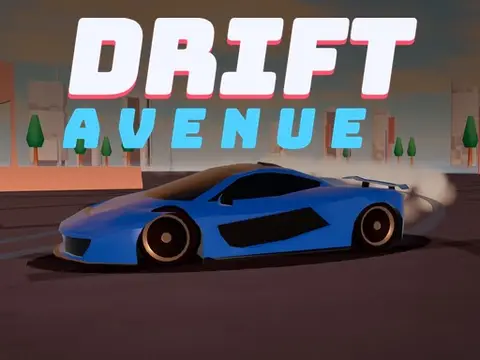
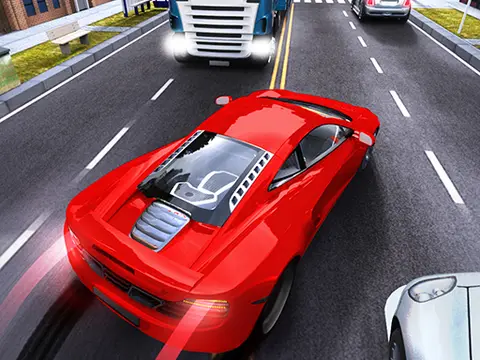
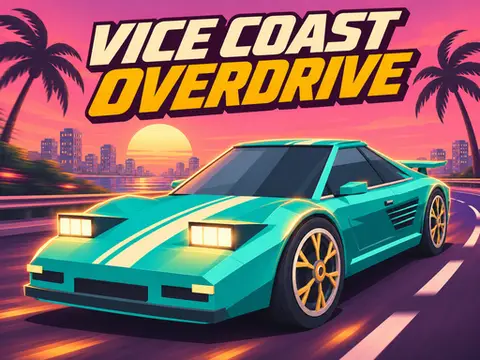
If you enjoy Torque Trail, there are more games to try right now. Traffic Racer (drive through highway traffic, earn cash and upgrade your ride in an endless arcade racer); Extreme Car Driving (a 3D driving simulator with four game modes, open world missions and difficult parking challenges); Vice Coast Overdrive (steer the turquoise Sunrunner through timed highway sprints and dodge traffic on GameMonetize); Drift Avenue (slide through an open city, chain drifts, and upgrade cars in this 3D racing experience).